
What Is Digital Etiquette? A Guide for Modern Businesses
Digital etiquette is the set of professional and social norms for respectful and appropriate online communication. In a world where most business interactions happen through screens, understanding these unwritten rules is no longer optional. It directly affects client relationships, team collaboration, and your company’s public perception. For marketing agencies and SaaS companies, where communication is constant, mastering digital etiquette is fundamental to building trust and operating effectively.
The Core Principles of Digital Etiquette
At its heart, digital etiquette, sometimes called “netiquette,” is about translating real-world courtesy into the digital space. The goal is to communicate clearly and respectfully, avoiding misunderstandings that can easily arise when we lack non-verbal cues like tone of voice and body language. According to security experts at Kaspersky, a primary rule is to apply the same standards of conduct online that you follow in real life. This simple idea forms the foundation of all digital interactions.
To put this into practice, consider these guiding principles:
- Clarity and Conciseness: Digital messages should be easy to understand. Avoid jargon when speaking to clients, use clear subject lines in emails, and get straight to the point. This respects the recipient’s time and reduces the chance of misinterpretation.
- Professionalism and Tone: Your digital communication represents your brand. Maintain a professional tone in all interactions, from emails to instant messages. Be mindful of using humor, sarcasm, or emojis, as they can be easily misunderstood without context.
- Respect for Others’ Time and Attention: Before sending a message, ask if it’s necessary. Avoid “replying all” unless everyone truly needs the information. Don’t tag colleagues in channels or documents without a specific reason. Respecting people’s digital space is key to a productive work environment.
- Privacy and Security: Good digital etiquette includes protecting sensitive information. Don’t share private client details in public channels or forward emails without permission. Be mindful of what information you share and who has access to it.
Why Digital Etiquette Is Critical for Your Brand’s Reputation
Every email, instant message, and social media comment contributes to your company’s image. Poor digital etiquette can create friction, erode trust, and make your business appear unprofessional. Conversely, consistent and thoughtful communication strengthens relationships and builds a positive reputation. For agencies and tech companies, where success depends on strong partnerships, this impact is significant.
A strong grasp of digital etiquette helps in several key areas:
- Building Client Trust: Clients want to work with partners who are reliable and professional. Prompt, clear, and respectful communication shows that you value their business. A poorly worded email or a missed virtual meeting can damage a relationship that took months to build.
- Improving Team Collaboration: Internal communication sets the stage for external success. When team members communicate respectfully and efficiently, projects run smoother, and misunderstandings are minimized. As noted by Potomac University, etiquette rules help make online communication easier and more productive. This allows for a more focused and less stressful work environment.
- Strengthening Brand Identity: The way your team communicates is a direct reflection of your company’s values. Consistent digital etiquette reinforces your commitment to quality and professionalism, which is a core component of your overall branding in marketing.
- Mitigating Risk: Miscommunication can lead to serious errors, from missed deadlines to incorrect project execution. Clear and careful digital communication provides a record and ensures everyone is aligned, reducing the risk of costly mistakes.
Practical Etiquette Rules for Key Communication Channels
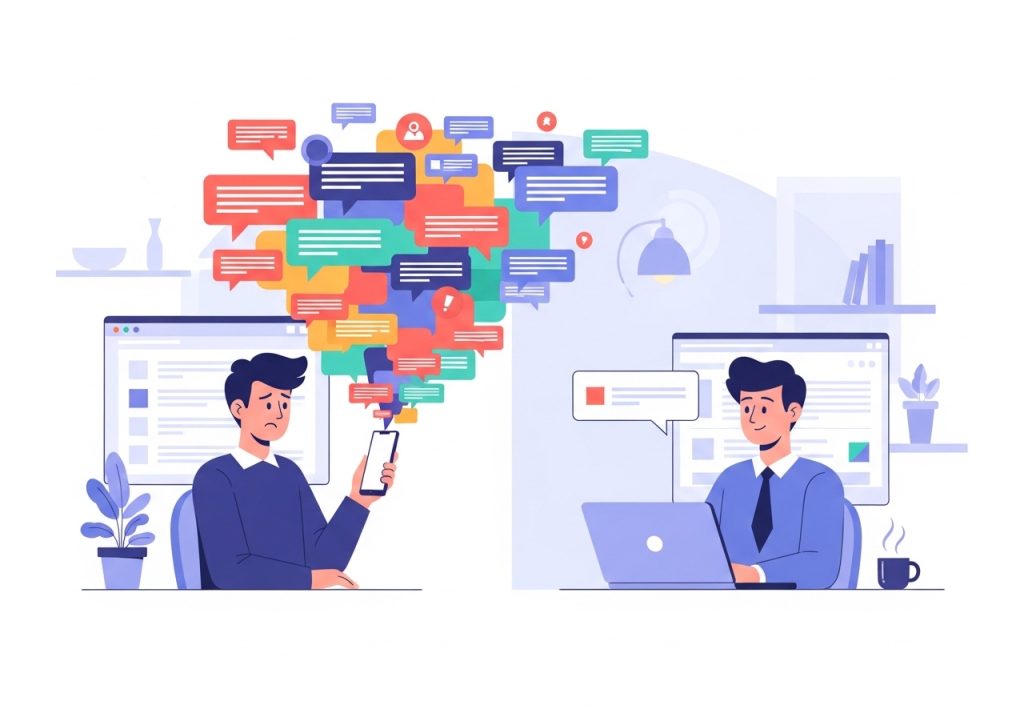
Digital etiquette isn’t a single set of rules. It adapts to the platform you’re using. What works for a quick Slack message might be inappropriate for a formal client email. Here are specific guidelines for the most common business communication channels.
Email Etiquette
- Use a Clear Subject Line: The subject should accurately summarize the email’s content. Examples include “Project Phoenix: Draft for Review” or “Question About Q4 Marketing Budget.”
- Keep it Professional: Start with a proper salutation (e.g., “Hi Jane,” or “Dear Mr. Smith,”), use complete sentences, and end with a professional closing and signature.
- Proofread Before Sending: Typos and grammatical errors can make you look careless. Take a moment to read over your message before hitting send.
- Be Mindful of Attachments: Name files clearly (e.g., “Ascend_Q3_Report.pdf” instead of “Document1.pdf”). If a file is very large, consider using a cloud storage link instead.
Video Conferencing Etiquette
- Test Your Technology: Check your camera, microphone, and internet connection before the meeting starts.
- Be on Time: Punctuality matters just as much in virtual meetings as it does in person.
- Mute Yourself When Not Speaking: Background noise can be highly distracting. Muting your microphone is a simple courtesy to other participants.
- Choose a Professional Background: Ensure your background is tidy and free of distractions. A virtual background is a good option if your physical space is busy.
- Stay Engaged: Avoid multitasking. Look into the camera when you speak and listen actively when others are talking.
Instant Messaging (Slack, Teams) Etiquette
- Respect Status Indicators: If a colleague’s status is set to “in a meeting” or “focusing,” avoid sending non-urgent messages.
- Use Threads for Replies: Keep conversations organized by replying in threads. This prevents main channels from becoming cluttered.
- Avoid Rapid-Fire Messages: Don’t send multiple one-word messages in a row. Consolidate your thoughts into a single, coherent message.
- Know When to Escalate: If a topic is complex or sensitive, move the conversation to a video call or email. Instant messaging is not ideal for in-depth discussions.
Implementing a Digital Etiquette Policy for Your Team
To ensure everyone in your organization is on the same page, consider creating a formal digital etiquette policy. This document doesn’t need to be long or complex. Its purpose is to provide clear, consistent guidelines that help your team communicate effectively and professionally. A formal policy is especially useful for onboarding new employees and serves as a reference for the entire team.
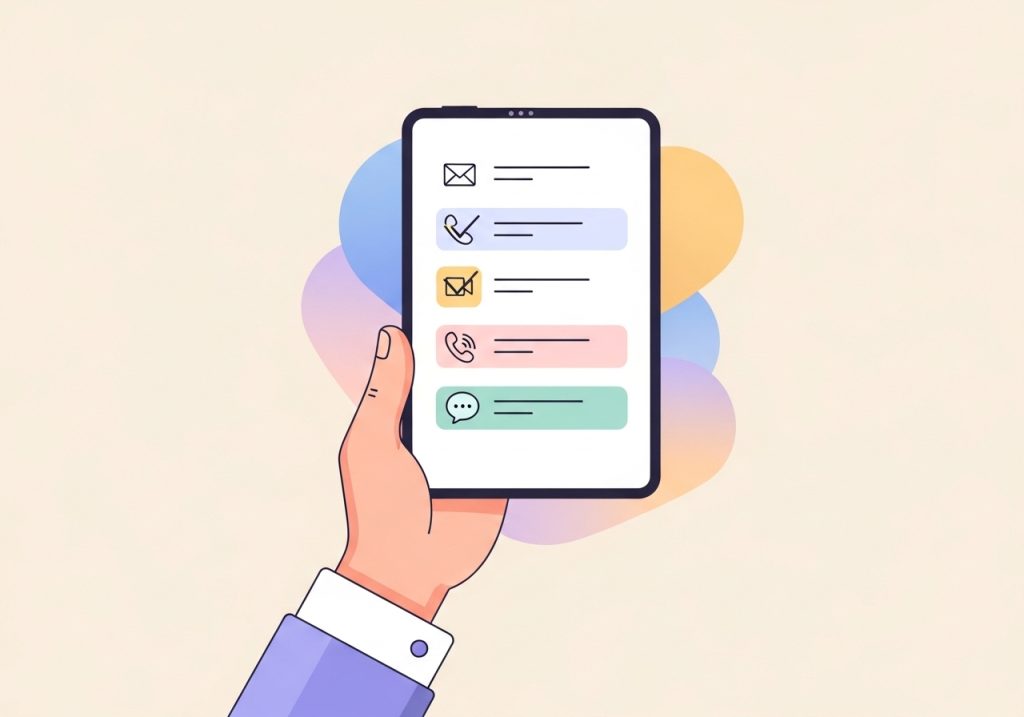
Here are a few steps to create and implement a successful policy:
- Define Channel-Specific Guidelines: Outline the primary purpose of each communication tool. For example, specify that Slack is for quick internal updates, email is for formal client communication, and your project management tool is for task-related discussions.
- Set Expectations for Response Times: Establish reasonable expectations for how quickly team members should respond to different types of messages. For instance, a 24-hour response time for emails might be acceptable, while Slack messages may expect a quicker reply during work hours.
- Provide Clear Examples: Include do’s and don’ts with specific examples. Show what a good email subject line looks like or how to properly use threads in Slack. Concrete examples are more helpful than abstract rules.
- Lead by Example: Management and team leads should model the behavior they want to see. When leaders follow the digital etiquette policy consistently, it encourages the rest of the team to do the same.
Digital etiquette is a dynamic skill, not a static set of rules. It is about awareness, respect, and a commitment to clear communication. By adopting these principles and creating clear guidelines for your team, you can build a stronger brand, foster better collaboration, and create more positive relationships with your clients. This attention to detail in communication is what separates good organizations from great ones.
Just as good digital etiquette streamlines your communications, Ascend streamlines your content creation. While you focus on building strong client relationships, Ascend’s AI-powered platform handles your entire blog content strategy right from your WordPress dashboard. From keyword research to writing and publishing daily SEO-optimized posts, Ascend makes it effortless to grow your organic traffic. Free up your team to do what they do best, and let us handle the content.

Written by
Ascend
Ascend is an automated SEO engine for WordPress. It handles keyword research, writes high-quality, search-optimized content, and publishes it directly to your site, so your traffic can grow on autopilot. Learn more