
A Practical Guide: How to Automate Blog Posting in 5 Steps
You can automate blog posting by defining clear goals, selecting an integrated AI platform, configuring a content workflow, and consistently measuring performance. For marketing agencies and SaaS companies, this method transforms content creation from a time-consuming manual task into a scalable system for driving organic growth. Instead of spending hours on research, writing, and editing, teams can produce a steady stream of high-quality, SEO-optimized articles.
This guide provides a practical, five-step workflow to implement blog automation effectively. Following these steps helps ensure the final output aligns with your brand strategy and delivers measurable results.
Step 1: Establish Your Content Goals and Brand Guidelines
Before you introduce any automation tool, you must create a strategic foundation. An AI is only as effective as the instructions it receives. Without clear goals and guidelines, your automated content will lack direction and fail to connect with your target audience. This initial step ensures every article produced serves a specific business purpose.
Start by documenting the core components of your content strategy:
- Business Objectives: What is the primary goal of your blog? Are you trying to generate leads, increase brand awareness, establish thought leadership, or support customer success? Define specific, measurable objectives.
- Target Audience: Create detailed profiles of your ideal readers. What are their job titles, challenges, and pain points? Understanding your audience allows the AI to generate content that directly addresses their needs.
- Content Pillars: Identify three to five core topics that your brand will own. These pillars should be directly related to your products or services and have sufficient search demand.
- Brand Voice and Tone: Define your brand’s personality. Is it professional and authoritative, or casual and witty? Provide clear examples of your desired tone. A well-defined voice is crucial for creating a distinct identity that resonates with readers.
This foundational document will guide the entire automation process, ensuring consistency and strategic alignment across all published content.
Step 2: Select a Platform to Automate Blog Posting
With your strategy in place, the next step is choosing the right technology. The market includes a wide range of tools, from simple schedulers to comprehensive platforms. For true automation, you need a solution that goes beyond just scheduling posts. The goal is to find a system that can manage the entire content lifecycle.
When evaluating different AI content creation tools, consider the following criteria:
- WordPress Integration: The platform must connect directly to your WordPress site for seamless publishing. This eliminates the need to copy and paste content manually.
- End-to-End Capabilities: Look for a tool that handles keyword research, topic ideation, content writing, image generation, and internal linking. A comprehensive solution saves the most time.
- Content Quality: Review sample articles generated by the tool. Does the content read naturally? Is it well-structured and factually accurate?
- SEO Features: The platform should have built-in SEO capabilities. This includes optimizing title tags and meta descriptions and integrating with popular plugins like Yoast or Rank Math.
- Configuration and Control: A good tool allows you to input your brand guidelines, audience profiles, and strategic goals to direct the AI’s output.
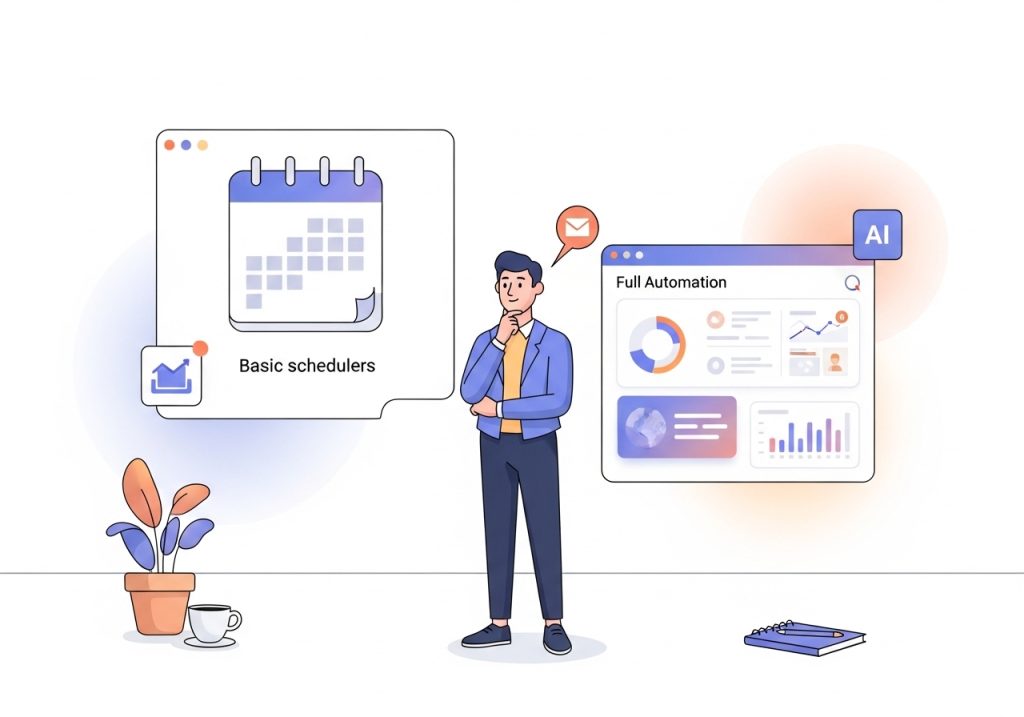
Some platforms, like Ascend, are designed specifically for this purpose, offering a fully automated experience directly within your WordPress dashboard. These systems use automatic writing techniques to manage the whole process, from creating a 30-day content calendar to publishing a complete blog post every day.
Step 3: Configure Your Content Automation Workflow
Once you have selected a platform, it is time to configure your workflow. This involves feeding the system the strategic information you defined in the first step. The initial setup is the most important part of the process, as it dictates the quality and relevance of all future content. Before you begin, it is helpful to audit your current blogging workflow to identify the most repetitive and time-consuming tasks you want to automate.
During configuration, you will typically provide the following inputs:
- Brand Intelligence: Upload your brand guidelines, company description, and information about your products or services. This gives the AI context about your business.
- Audience Personas: Input the detailed audience profiles you created. The AI will use this to tailor the content’s tone, language, and topic angles.
- Competitor Analysis: Provide the URLs of your main competitors. The platform can analyze their content strategies to identify opportunities and gaps.
- Topic and Keyword Focus: Specify your content pillars or provide a list of target keywords. The system will use this to generate a relevant content calendar.
After you input this information, the platform will generate a content plan. Review the proposed article titles and topics to ensure they align with your marketing campaigns and business goals. Make any necessary adjustments before activating the automation.
Step 4: Review and Refine the Initial Automated Posts
While the goal is to automate blog posting, a “human-in-the-loop” approach is essential at the beginning. Do not expect perfect results from the very first post. Plan to review the first several articles the system produces to fine-tune its performance. This quality assurance phase helps ensure the AI has correctly interpreted your guidelines.
During your review, check for the following:
- Tone and Voice Consistency: Does the article sound like it came from your brand? Check if the tone matches the guidelines you provided.
- Factual Accuracy: Although modern AI models are very accurate, it is always wise to double-check any statistics, facts, or specific claims.
- SEO Alignment: Confirm that the target keyword is used appropriately and that the title tag and meta description are optimized.
- Internal and External Links: Verify that any included links are relevant and point to the correct URLs.
Use each review as an opportunity to provide feedback or adjust the settings in your automation platform. This iterative process improves the quality of future posts, allowing you to gradually reduce the amount of manual oversight required.
Step 5: Track Performance and Analyze Key Metrics
Automation without measurement is ineffective. To understand the impact of your automated content strategy, you must track its performance against your initial business objectives. Connecting your website to analytics tools like Google Analytics and Google Search Console is a critical final step.
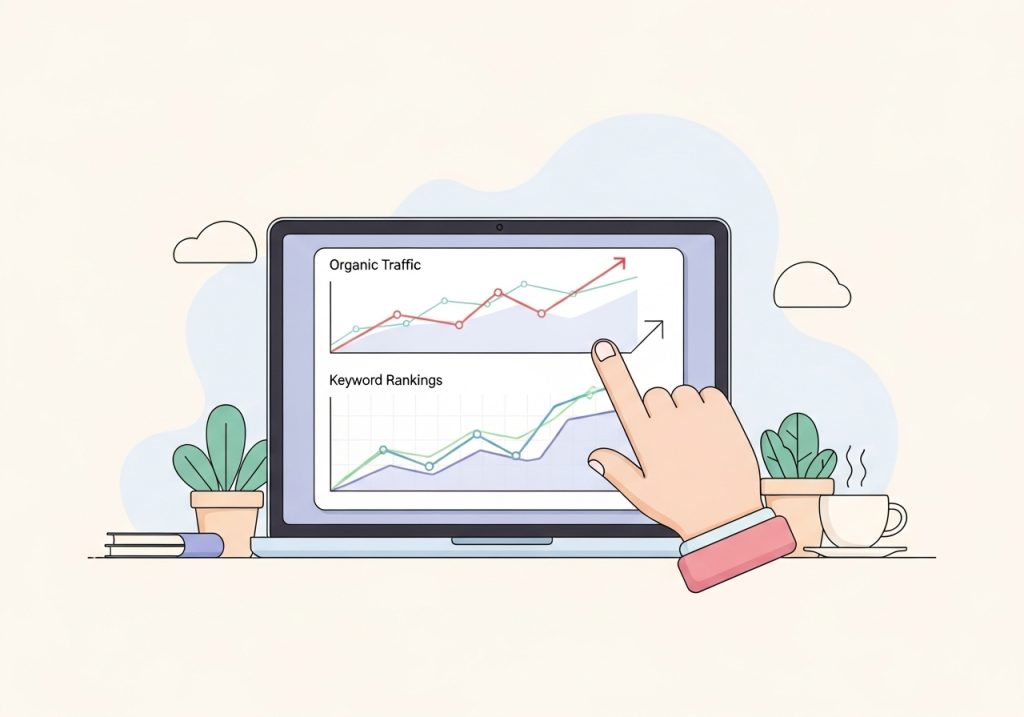
Focus on a few key metrics to measure the return on investment (ROI) of your efforts:
- Organic Traffic: Monitor the overall growth in organic visitors to your blog. Are more people discovering your site through search engines?
- Keyword Rankings: Track your position in search results for the target keywords of your automated posts. Are you gaining visibility?
- Engagement: Look at metrics like time on page and bounce rate to gauge how well the content is resonating with your audience.
- Conversions: If your goal is lead generation, track how many readers sign up for a newsletter, download a resource, or request a demo after reading a blog post.
Regularly analyzing this data will help you understand which topics perform best and allow you to refine your content strategy over time. This data-driven approach ensures your automated blog remains a valuable asset for business growth.
Automating your blog is a strategic decision that can free up significant time for marketing teams and agencies. By starting with a clear strategy, choosing a comprehensive tool, and consistently measuring results, you can scale your content production and achieve your organic growth goals more efficiently. The key is to view automation as a system to be managed, not just a button to be pushed. When implemented correctly, it provides a powerful way to maintain a consistent publishing schedule and build authority in your industry.
Ready to move from manual blog management to a fully automated content engine? Ascend integrates directly into your WordPress dashboard, handling everything from keyword research to daily publishing. Grow your organic traffic without the heavy lifting. See how Ascend can transform your content strategy by visiting our website.

Written by
Ascend
Ascend is an automated SEO engine for WordPress. It handles keyword research, writes high-quality, search-optimized content, and publishes it directly to your site, so your traffic can grow on autopilot. Learn more